
ruffsl
I’m a robotics researcher. My interests include cybersecurity, repeatable & reproducible research, as well as open source robotics and rust programing.
- 30 Posts
- 28 Comments

Mainly the official git CLI for controlling branches and sub modules, and sometimes the GitHub CLI if quickly checking out a pull request from a forked repo.
Also use the source control tab in VSCode rather often, as it’s really convenient to review and stage individual line changes from its diff view, and writing commit messages with a spell check extension.
If it’s a big diff or merge conflict, I’ll break out the big guns like Meld, which has better visualizations for comparing file trees and directories.
About a decade ago, I used to use SmartGit, then tried GitKraken when that came around, but never really use much of the bells and whistles and wasn’t keen on subscription pricing. Especially as the UX for GitHub and other code hosting platforms online have matured.
 3·1 year ago
I think it stands for Managed Service Providers.
I’m still using an old UC Gateway, doubt my homelab will outgrow it.

 2·1 year ago
I hope this rust library can make its way back into Moonlight and Sunshine projects.


 1·1 year ago
One thing I appreciate about NixOS is the ability to use overlays and override package sources. For example, overlays can be used to selectively install unstable and stable packages alongside each other:
While there may be caveats, this approach has been working for me just fine, as I can install VSCode from unstable to get the most recent monthly releases as they roll out, but then pin the rest of my desktop environment to stable to limit anything else shifting underneath me unexpectedly.
Looks like they introduce the use Traefik with NixOS here:
How does
Traefikcompare to a reverse proxy likeCaddy?
If there was a simple Debian based distro that I could declaratively manage via a single config file, I think I’d try it. I.e. not using Puppet or Chef that can only bootstrap a system state, but something to truly manage a system’s entire life cycle, including removing packages and anything littering the system file tree. But since there isn’t, I’m using NixOS instead.
Having a DSL to declare my entire system install, that I can revision control like any other software project, has been convenient for self documenting my setup and changes/fixes over time. Modularizing that config has been great for managing multiple host machines synchronously, so both my laptop and desktop feel the same without extra admin work.
Nixpkgs also bolsters a lot of bleeding edge releases for the majority of FOSS packages I use, which I’m still getting used to. And because of how the packaging works, it’s also trivial to config the packages to build from customer sources or with custom features. E.g. enabling load monitoring for Nvidia GPUs from
btopthat many distros don’t ship by default.
I’m waiting on support for inserting PDF figures, the most common format my tools export.
I’m not the original author, even with the YouTube title being as is, but what do you mean? Perhaps relying that the desired services exist as nix packages, or that nix packages have desired defaults or exposes desired config parameters?
There are two other nix media server config projects I can think of, but I think this approach mostly facilitates the install, but not the entire initial config setup, given that a lot of the stack’s internal state is captured in databases rather than text config files. So simplifying the backup and restoration of such databases seems the next best thing to persist your stack configs with nix.

Have you had any luck with projectors for coding? I’ve only ever used them for large mob-programming sessions, like during hackathons. I feel like the low/narrow contrast of projectors makes it hard to use for dark mode, not to mention the space real estate requirements. :P
Still kind of sad that the transflective display technology demoed in the $100 laptop project from a decade or so ago never took off.
Personally, I’ve been happy using an LG TV for a single monitor setup. I have had to switch to KDE Plasma v6 for better font rendering given its unusual OLED pixel layout, as well as for native HDR support. But it’s been nice to have a large physical font while still at default DPI. Although, I wouldn’t’t mind upgrading to 8K later when they get affordable, as the smallest 4K TVs at 42" happen to push the physical DPI down towards that of just 1440p panel.
I’m using a recent 42" LG OLED TV as a large affordable PC monitor in order to support 4K@120Hz+HDR@10bit, which is great for gaming or content creation that can appreciate the screen real estate. Anything in the proper PC Monitor market similarly sized or even slightly smaller costs way more per screen area and feature parity.
Unfortunately such TVs rarely include anything other than HDMI for digital video input, regardless of the growing trend connecting gaming PCs in the living room, like with fiber optic HDMI cables. I actually went with a GPU with more than one HDMI output so I could display to both TVs in the house simultaneously.
Also, having an API as well as a remote to control my monitor is kind of nice. Enough folks are using LG TVs as monitors for this midsize range that there even open source projects to entirely mimic conventional display behaviors:
I also kind of like using the TV as simple KVMs with less cables. For example with audio, I can independently control volume and mux output to either speakers or multiple Bluetooth devices from the TV, without having fiddle around with repairing Bluetooth peripherals to each PC or gaming console. That’s particularly nice when swapping from playing games on the PC to watching movies on a Chromecast with a friend over two pairs of headphones, while still keeping the house quite for the family. That kind of KVM functionality and connectivity is still kind of a premium feature for modest priced PC monitors. Of course others find their own use cases for hacking the TV remote APIs:
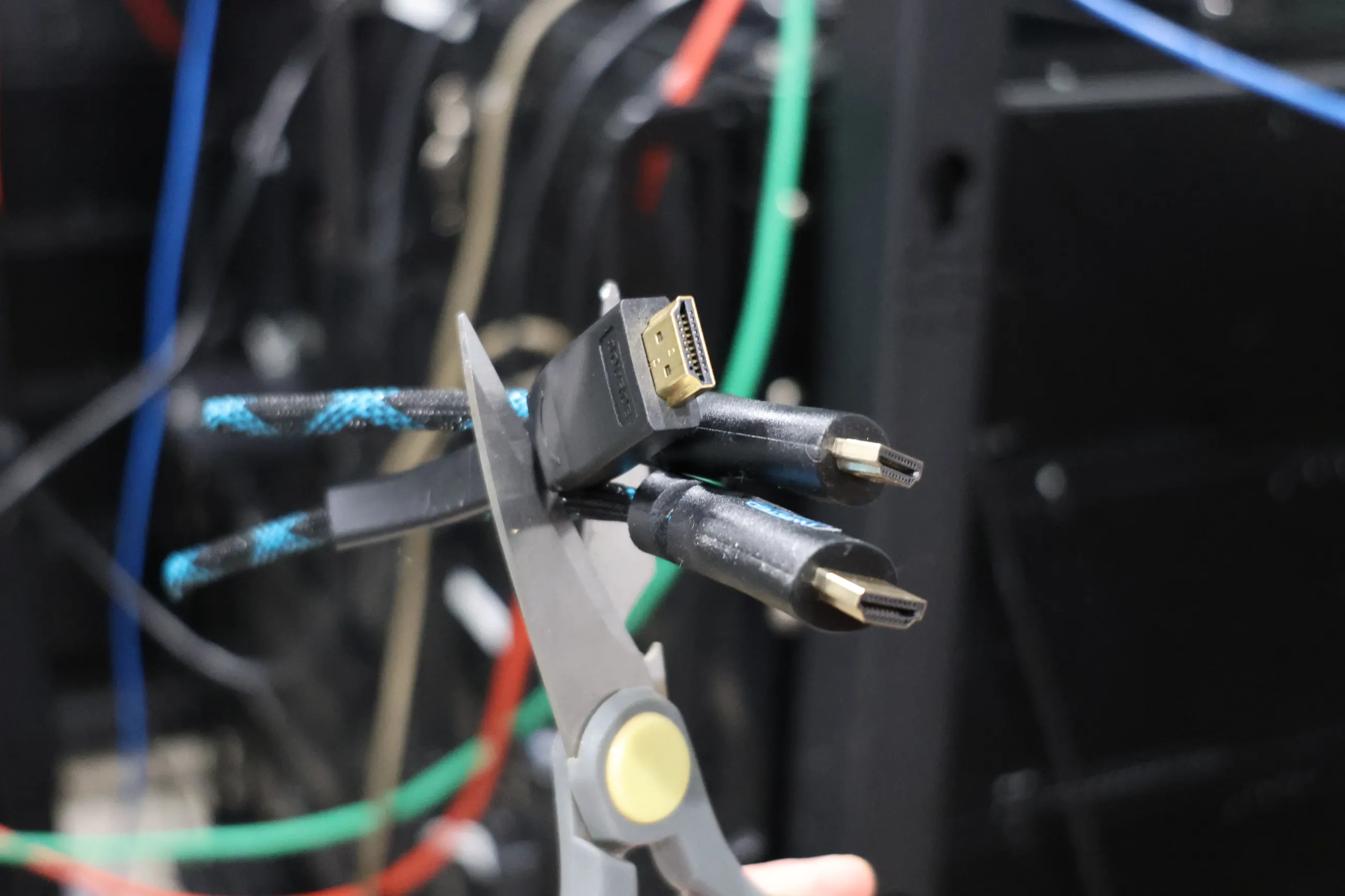
Didn’t know about this case history with Nintendo, nor the name for the common exploit used:

Nice! Thanks for the clarification.
I was more curious about horizontal/vertical scroll snapping of text, given if the underlying vim properties are still limited to terminal style rendering of whole fractions of text lines and fixed characters, then it’s less of a concern what exactly the GUI front end is.
Are you using the PWA, self hosted or via code spaces/other VPS? With which web browser?
I tried hosting code server via termux for a while, but a user proot felt too slow, even if the PWA UI ran silky smooth.
Perhaps when my warranty runs out I’ll root the device to switch to using a proper chroot instead.
Do you use it combined with terminal emulators?
Wouldn’t that result in vertical scroll snapping to textual lines, and horizontal scroll snapping to character widths?
A personal preference I suppose for navigation, but a bit jumpy to read from while moving rapidly.
Only just got a 120Hz monitor recently, so reading scrolling text now is so much easer and faster than before. Looking forward to any IDE that can match that kind of framerate performance as well.
Too bad I don’t own a mac to be able to test out the current release of Zed as an IDE. However, I’m not sure about the growing trend of rasterizing the entire GUI, as compared to conventional text rendering methods or GUI libs with established accessibility support.



FYI, VSCode can now natively show commit info inline, no GitLens extension required:
https://code.visualstudio.com/docs/getstarted/tips-and-tricks#_git-blame