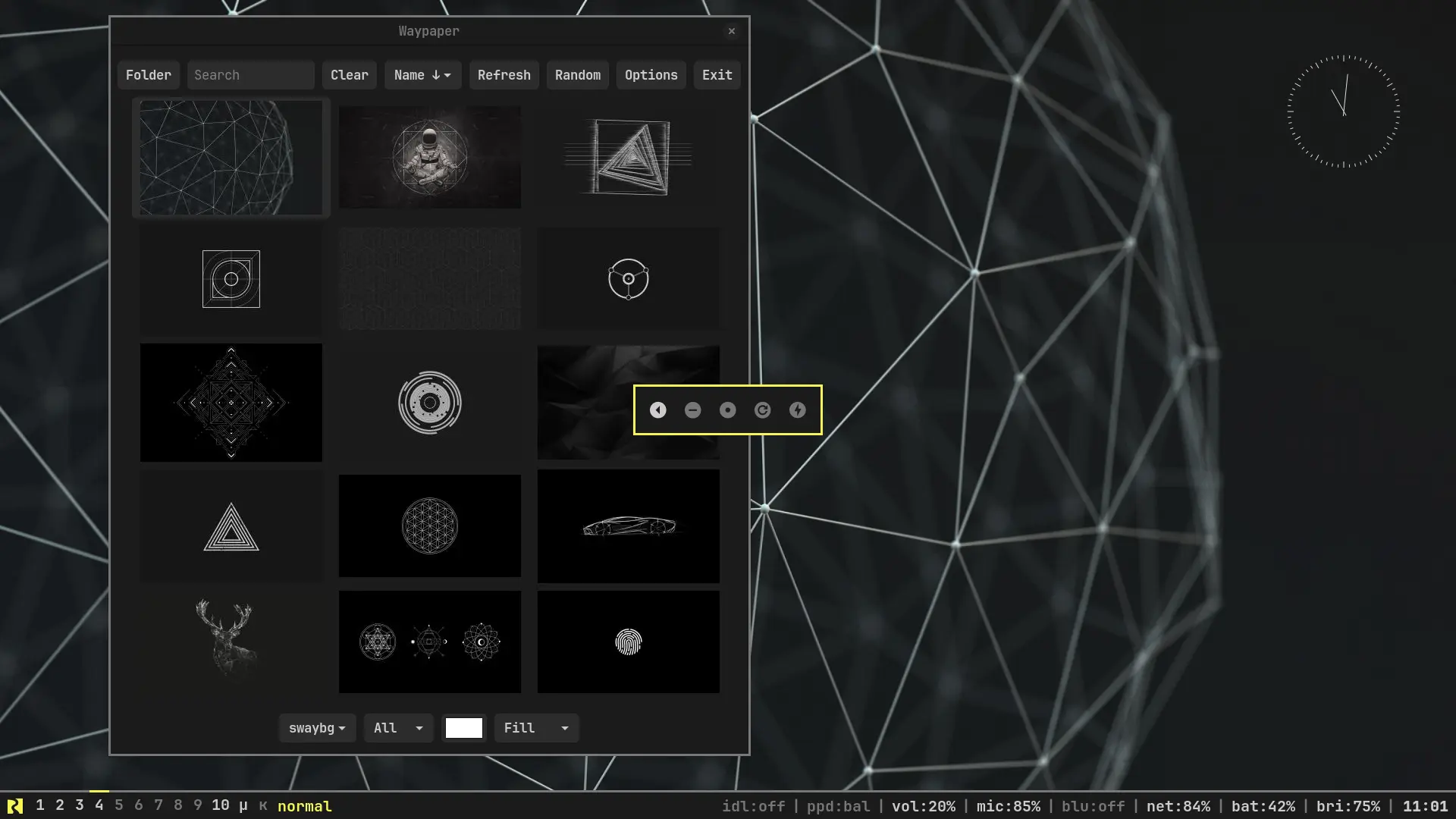
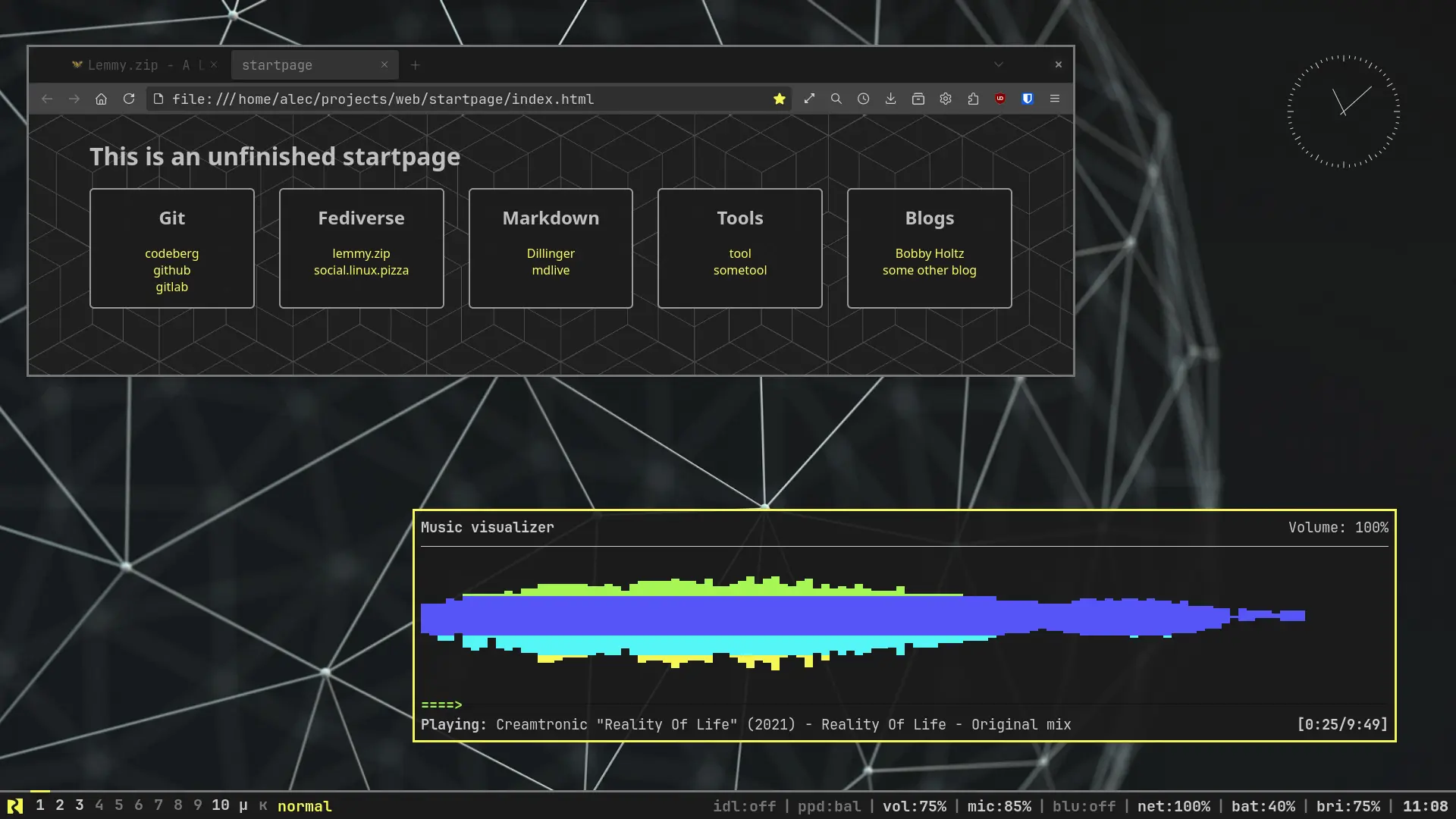
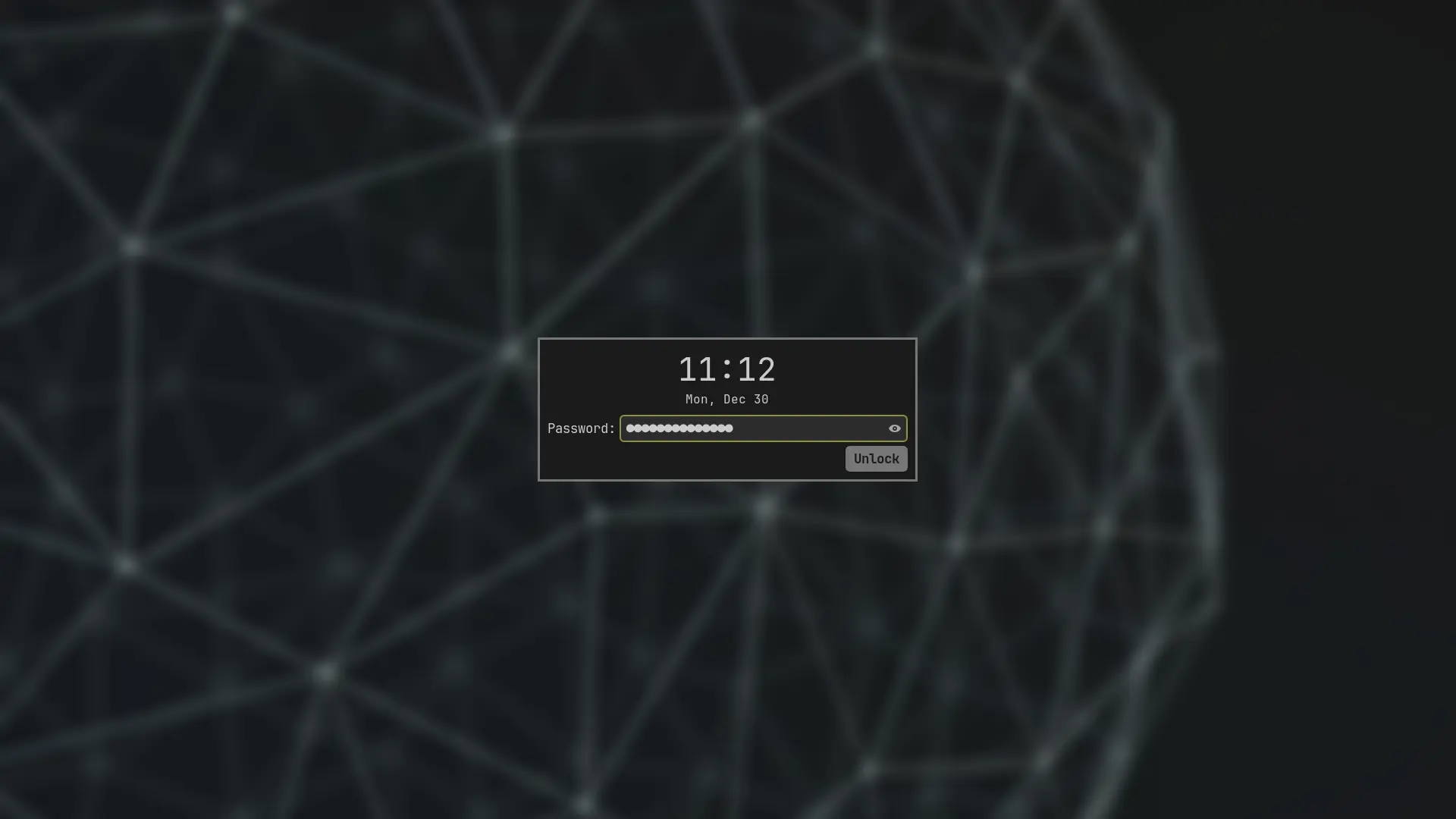
After having my desktop look like a rainbow for a long time I went for the opposite end. It’s not a very cheerful color-scheme but my eyes suffer much less after long hours behind the screen.
Anyway, thank you all for introducing me into this new world just about a year ago.
No neofetch? How i am supposed to enjoy my unixporn withput neofetch.
@andrewth09 @299792458ms
neofetch was archived a while ago though
Wake the fuck up, Samurai
What?
Reminds me of Johnny Silverhand’s HUD colours in Cyberpunk 2077. I’d get a pic but Google is being unreliable per usual. Anyway, “Wake the fuck up, Samurai” is a quote by Johnny Silverhand from one of the game’s trailers.
I love this.
Do you still have your Waybar settings stored somewhere? Your Codeberg gives me 404.
I do, moved my account to a new one.
The Waybar configuration you are looking for is in the old repo, it should have the same custom theme and everything. enjoy!
Thanks for nice template. I like how clear it looks without nerd symbols or anything flashy.
It does use nerd fonts for the River Logo though, I use JetBrains font so I thought might as well have some logo to aknowledge the project. Other configurations on the repomight make use of more icons.
Have a good one tinkering!
This is very similar to my edited powerarrow-dark theme for Awesome WM, I would very much love to see what utilites you used for this (waybar?) as well as the dotfiles:>
Edit: I think jerboa is not handling the post correctly, from the feed I can see some notes but if I open this post there is just the images and story
Hi, appreciate your comment. Here are my
dotfilesarchived dotfiles in new account.And yes that is waybar, the main things are:
- terminal: foot
- editor: helix
- file manager: yazi(unfinished colorscheme) and nautilus
- wifi: impala
- bluetooth: bluetui (its just for pairing and connecting stuff)
- lockscreen: gtklock
- wallpaper: swaybg and waypaper to test new wallpapers out or even set them temporarily
- nwg-bar: for the power menu.
- wlr-which-key: monitors, clioboard and power profiles
- mako: notification daemon
- wlclock: clock widget(this one is just my guilty pleasure)
- wlsunset: to filter blue light(used gammastep but this turns out to be smaller)
The rest of the programs you can find in the repo, the readme points to a full list.
Cheers
Thanks!